How to Use SREF Codes
Learn how to use Midjourney SREF codes to improve the aesthetic of your images. A complete guide for beginners and pros.
What are SREF Codes?
SREF codes (Style Reference codes) is a Midjourney feature that allows you to apply specific visual styles to your image generations.
A --sref code is a seed number (for example: 2213253170) that replaces complex style descriptions, making it easier to consistently create images with particular aesthetics.
Here are some examples of --sref codes with very different styles:
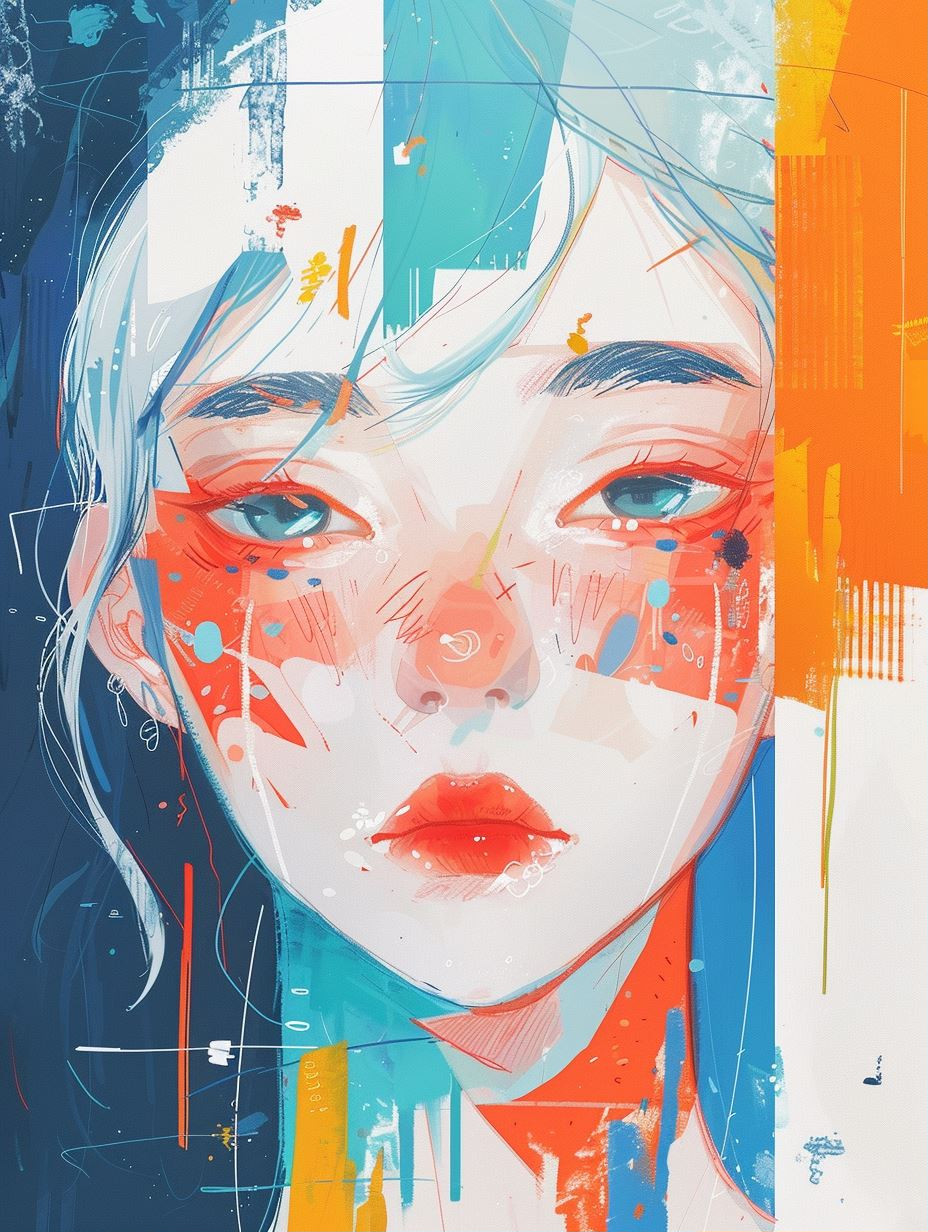
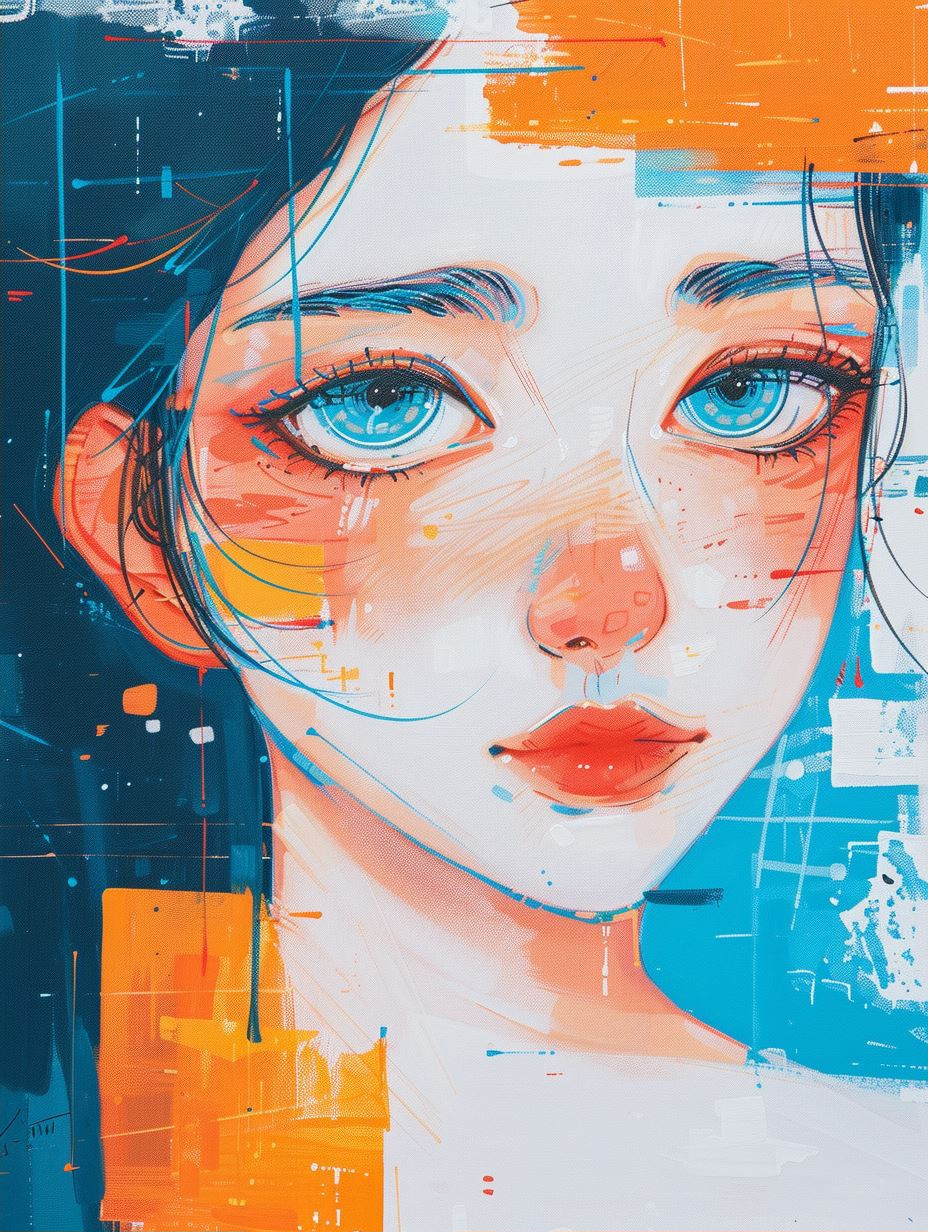
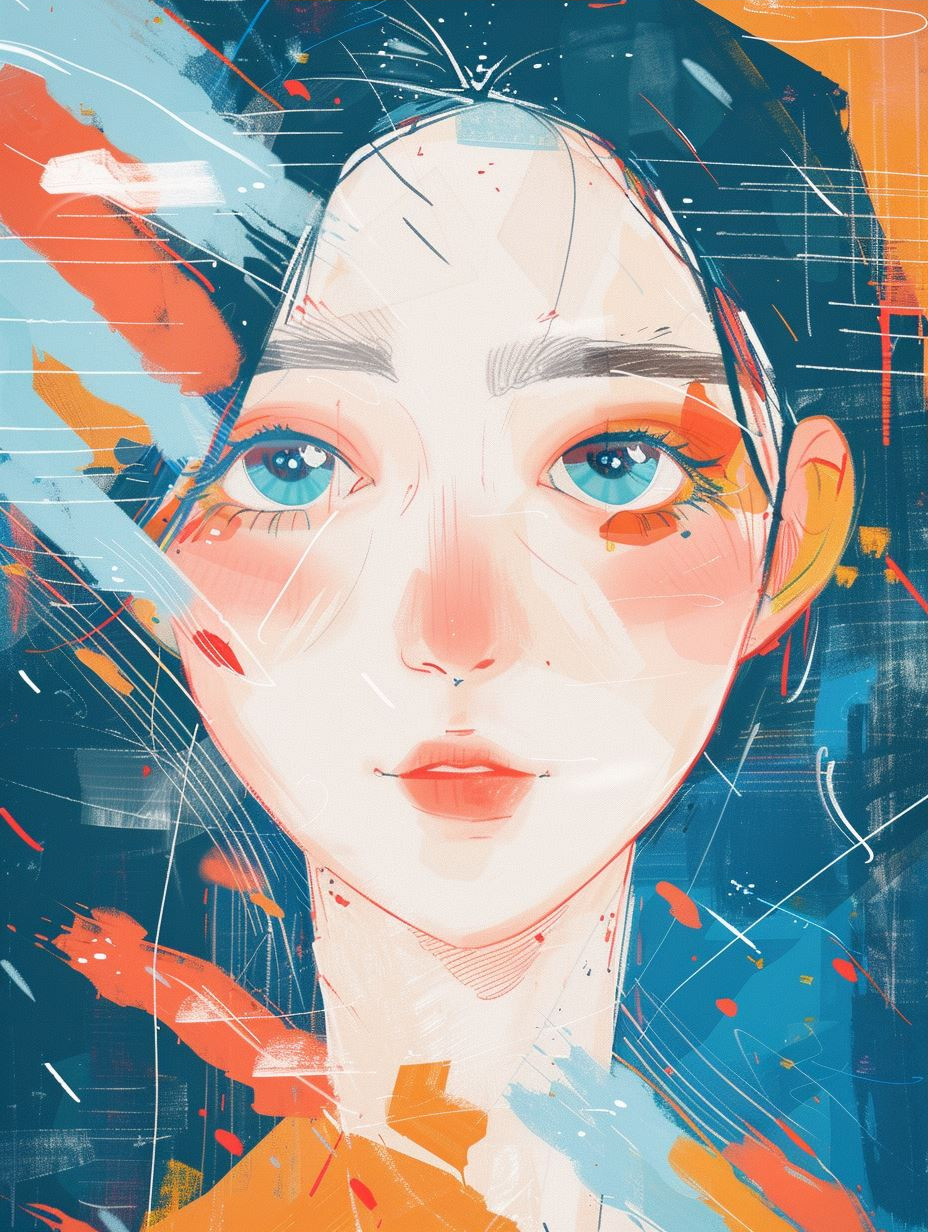
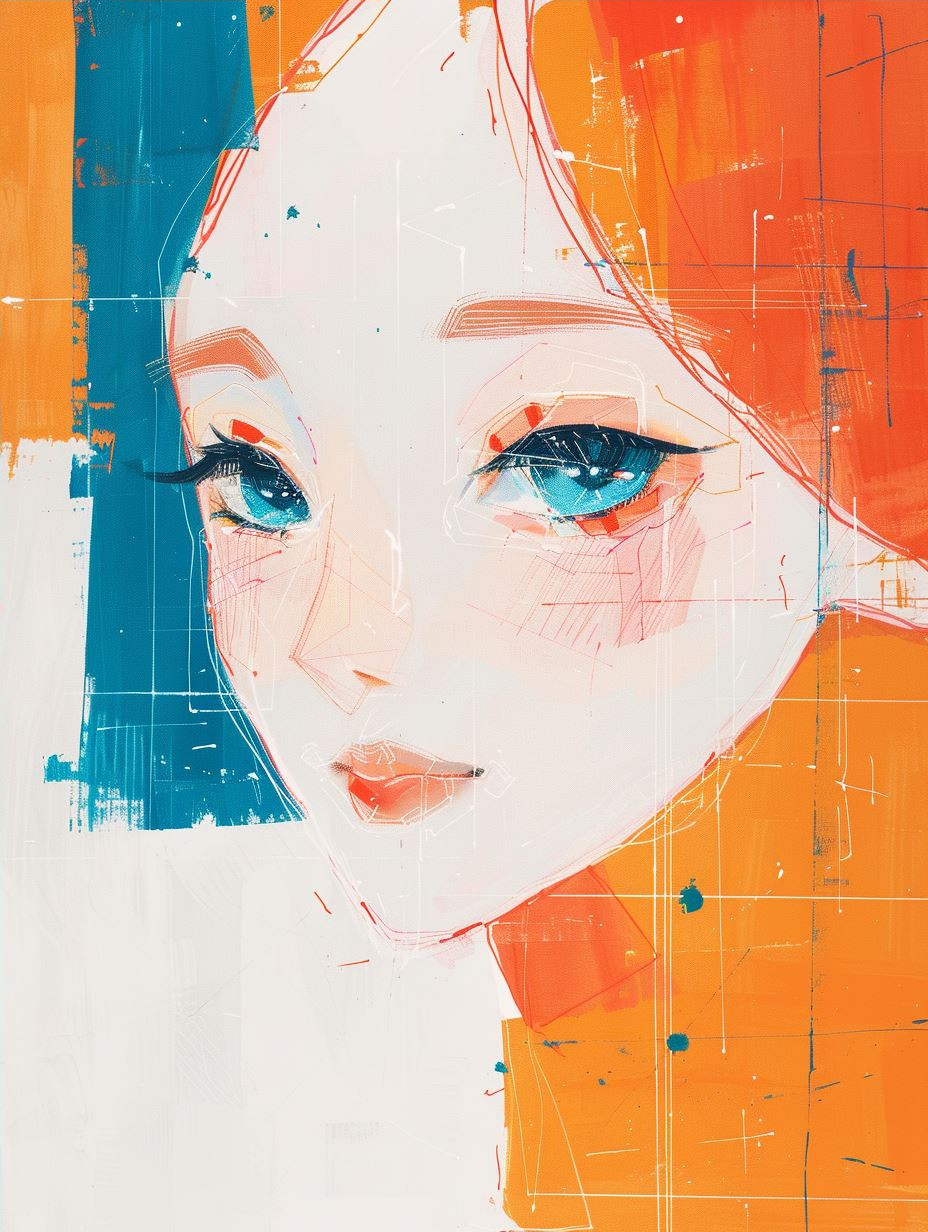
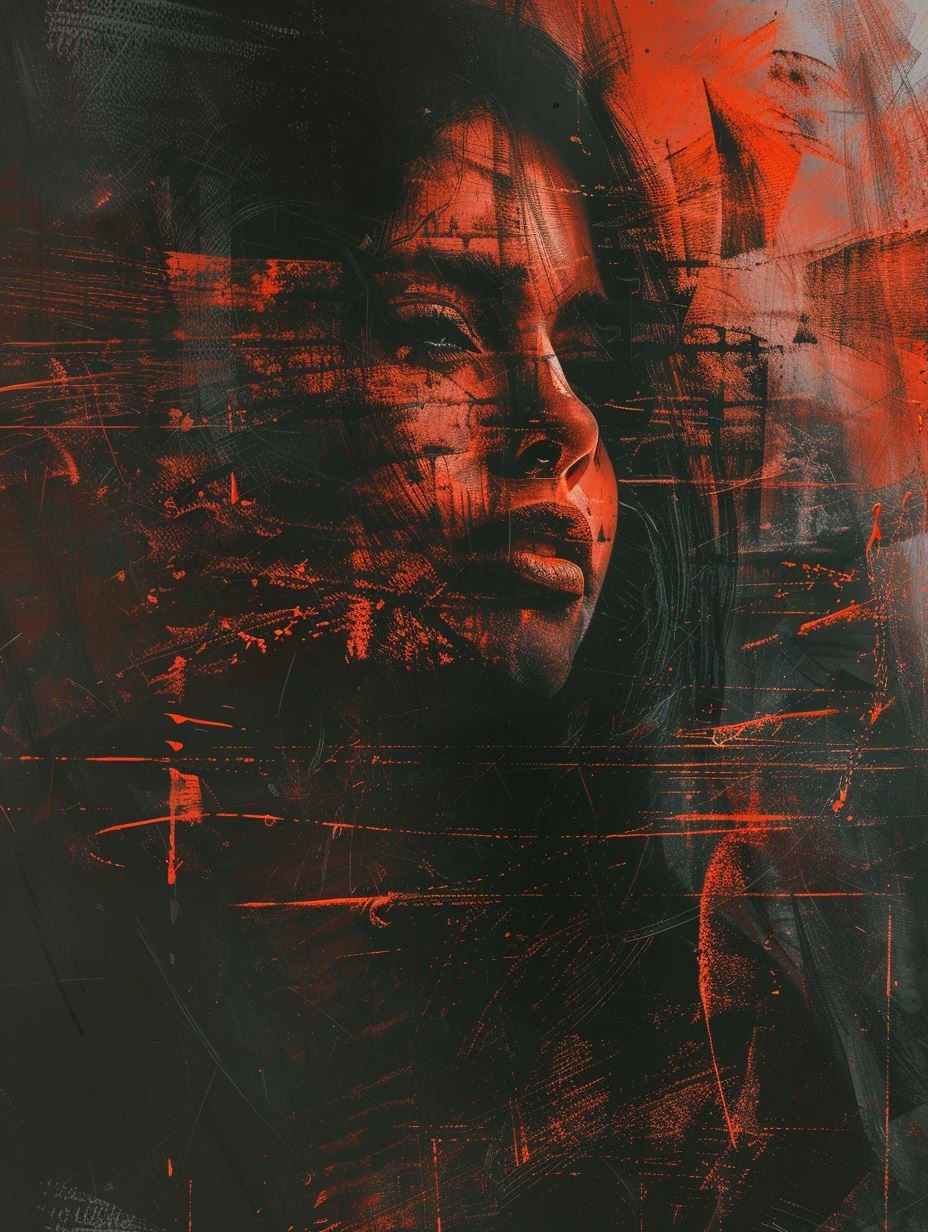
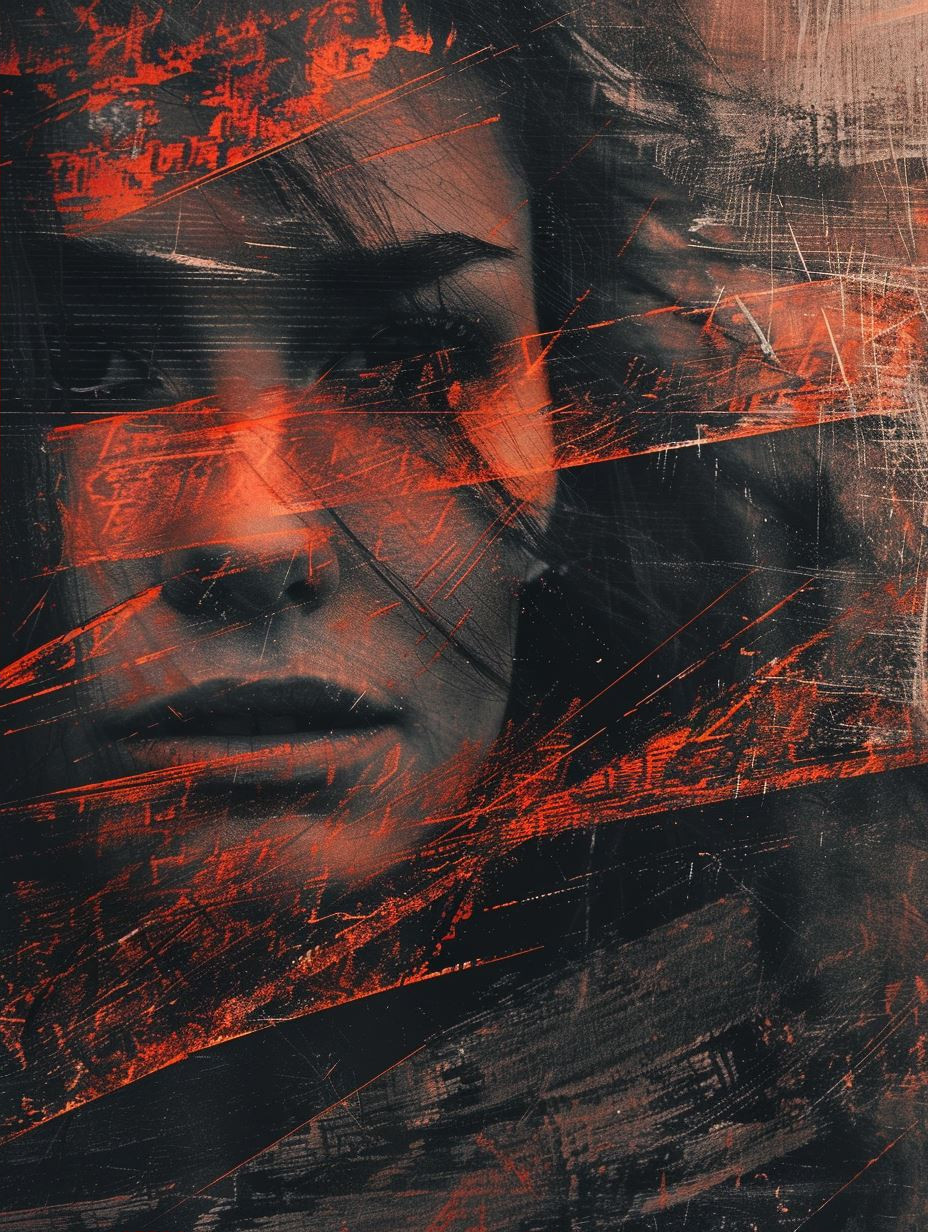
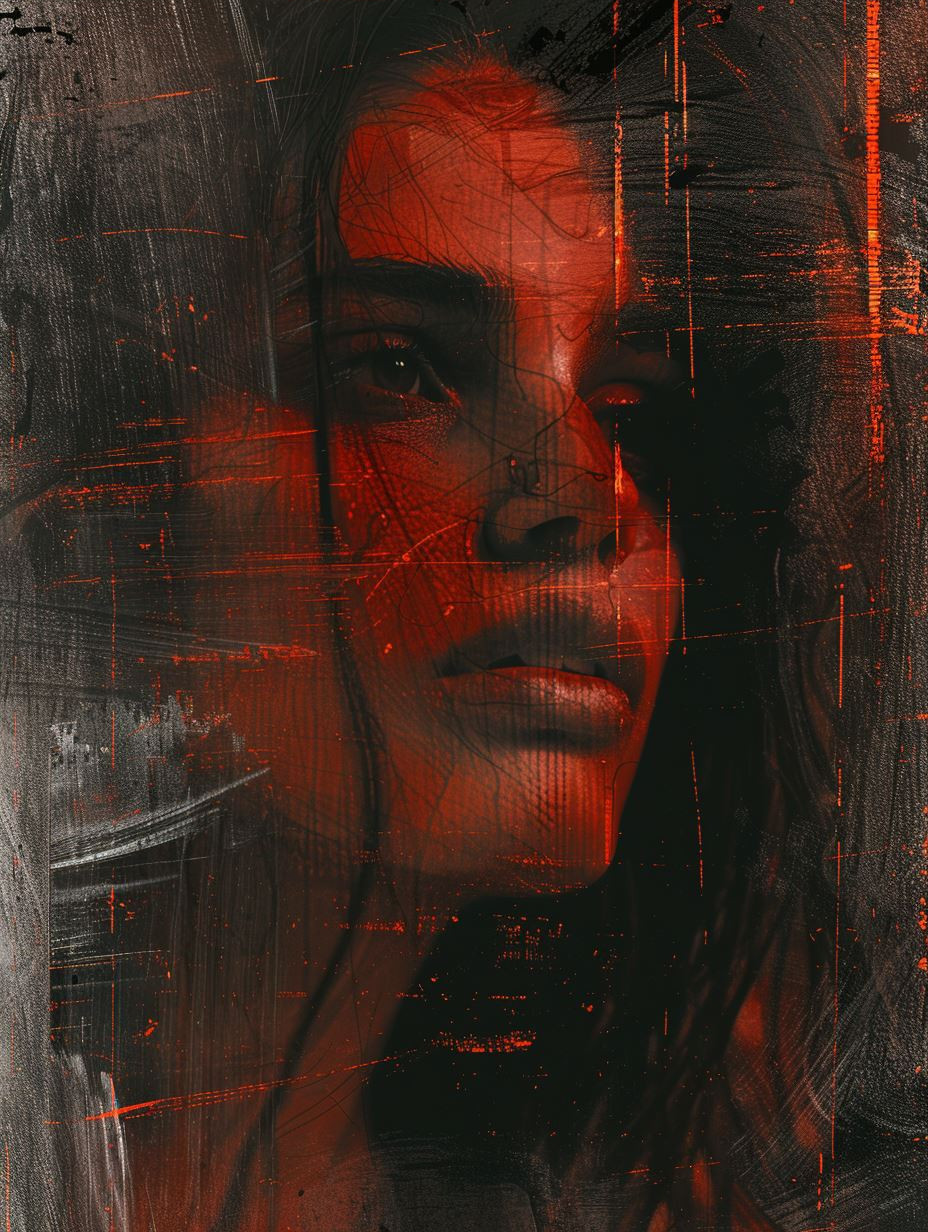
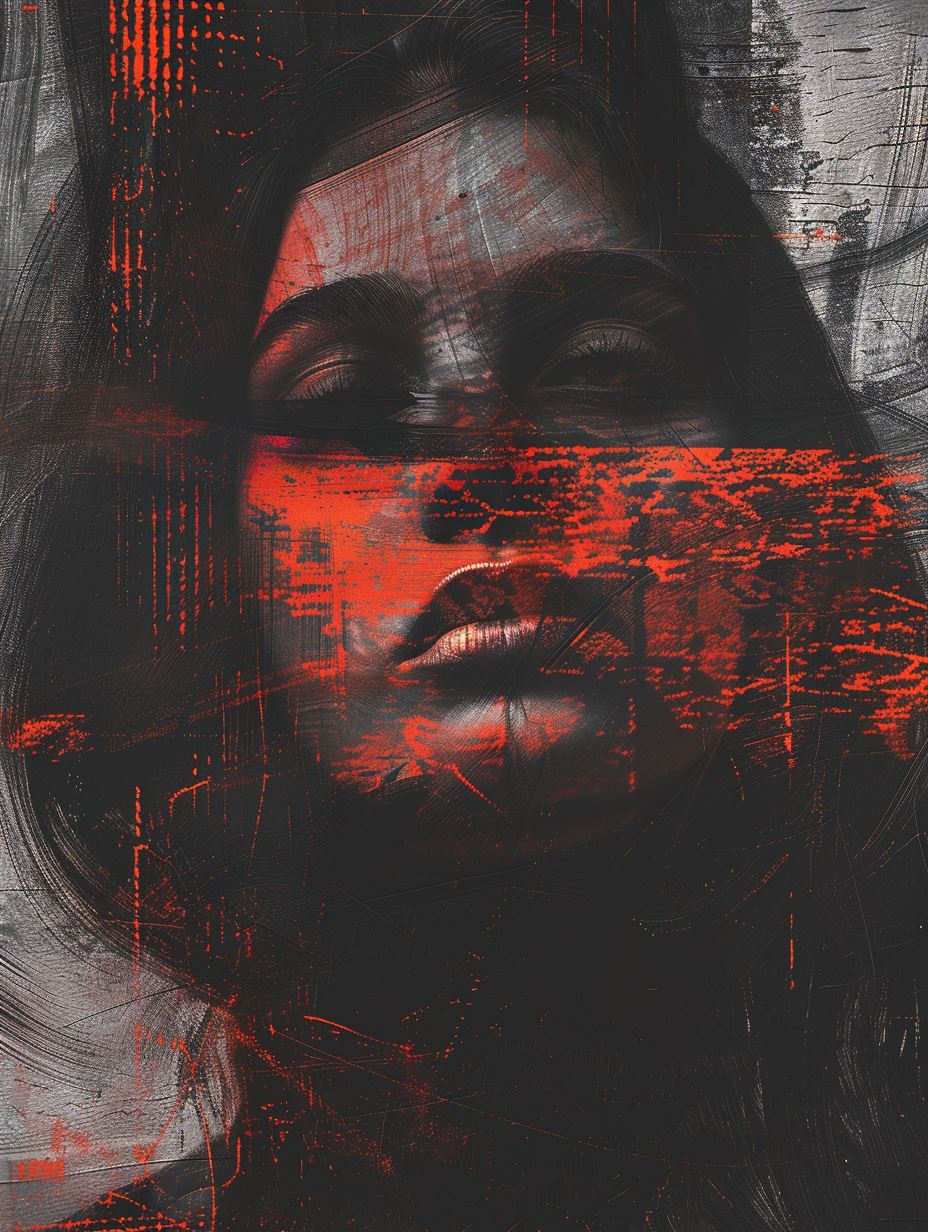
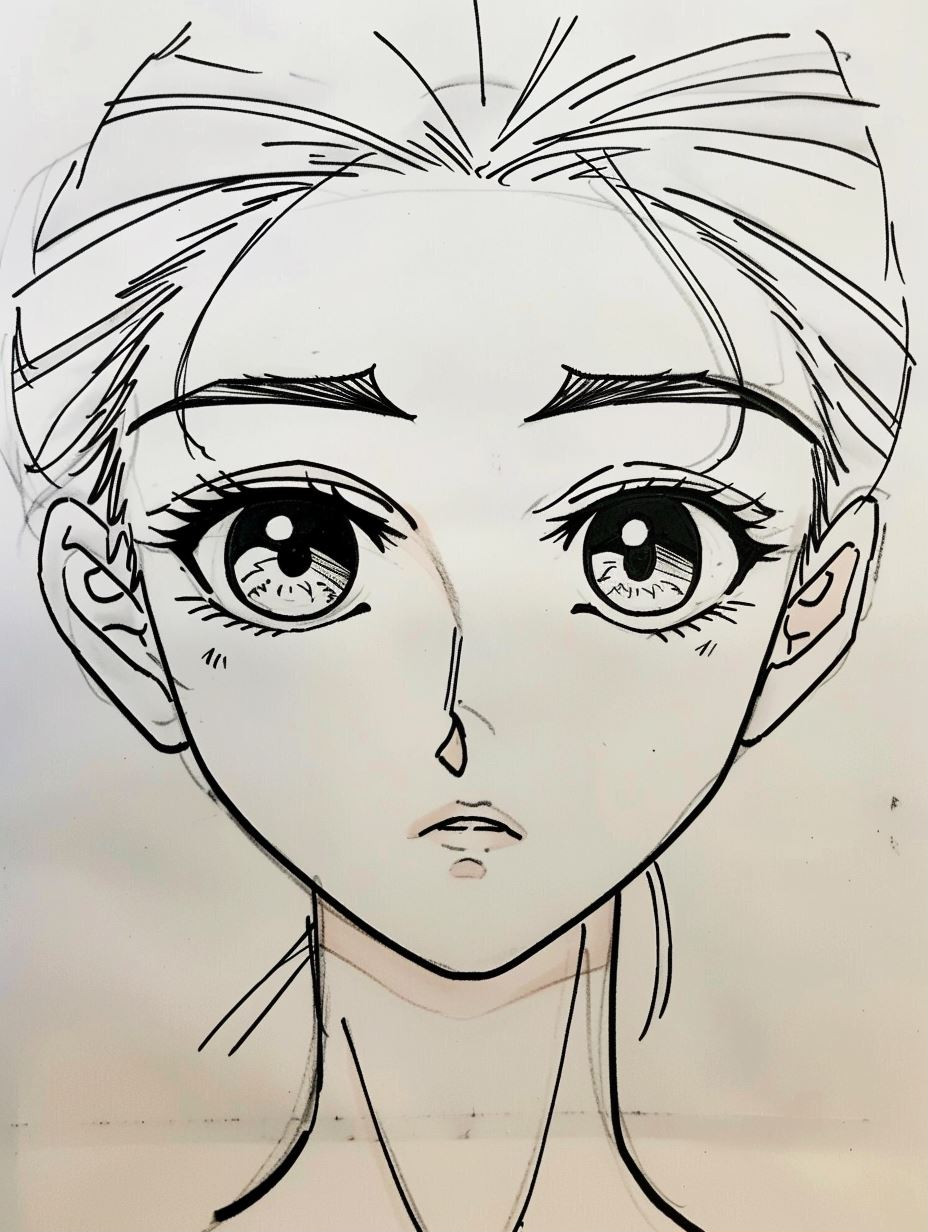
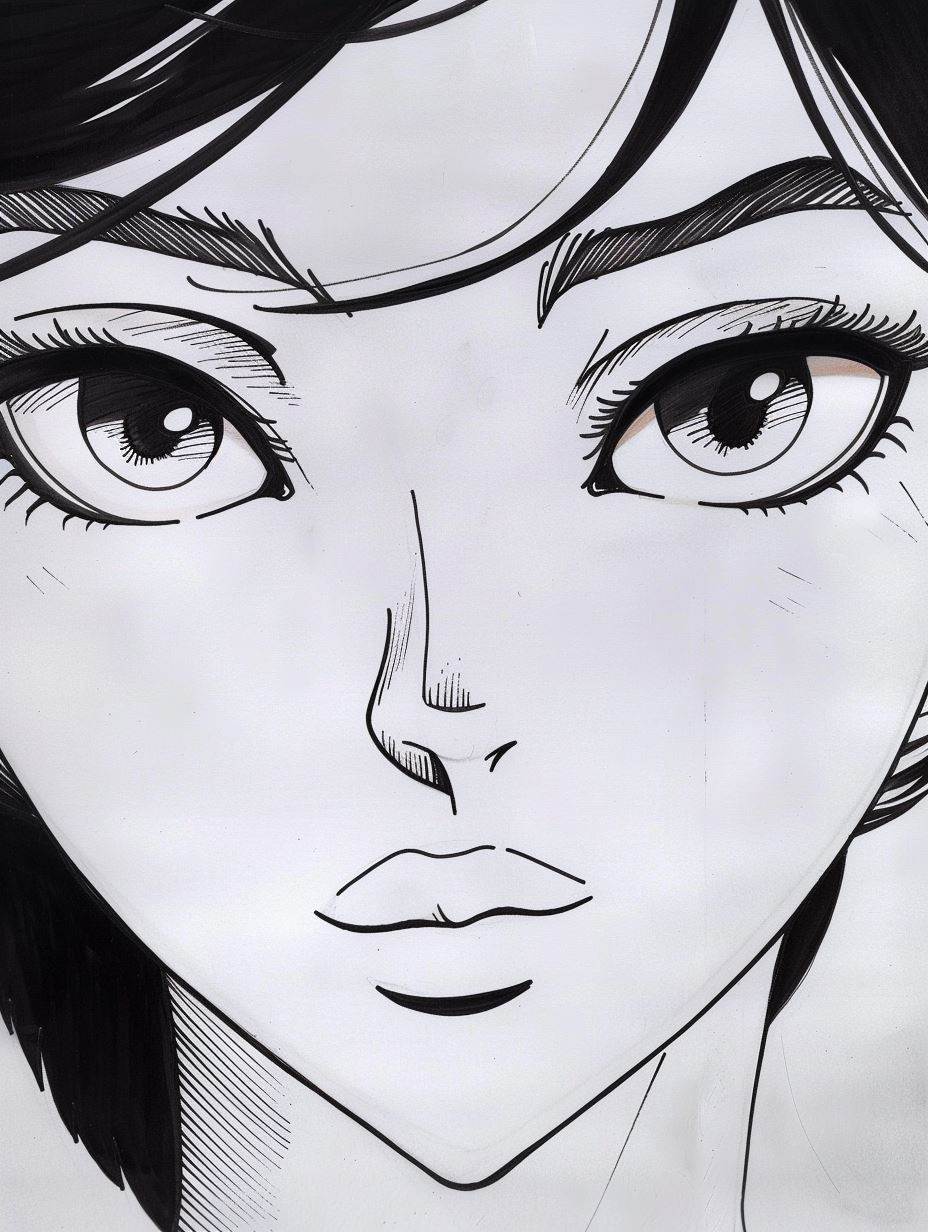
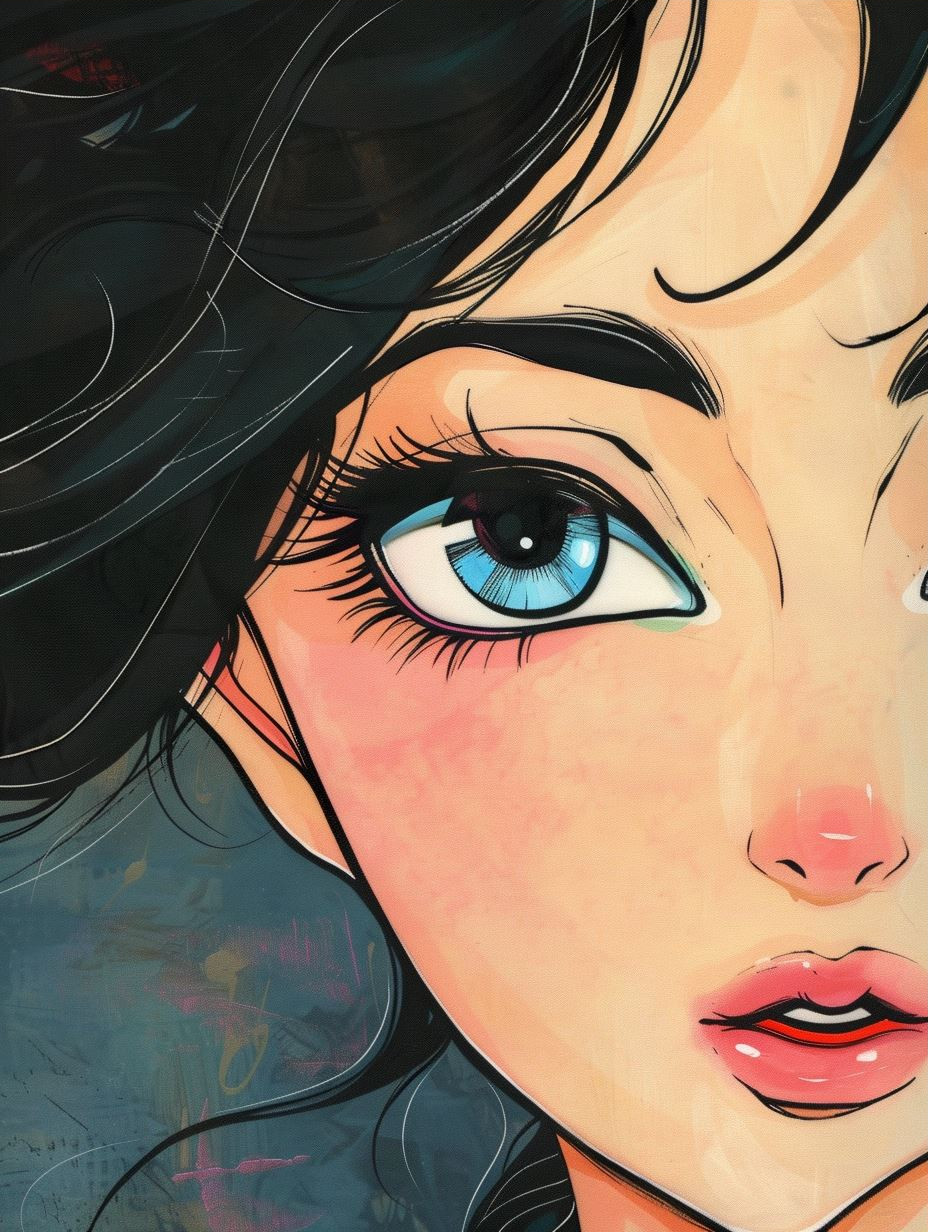
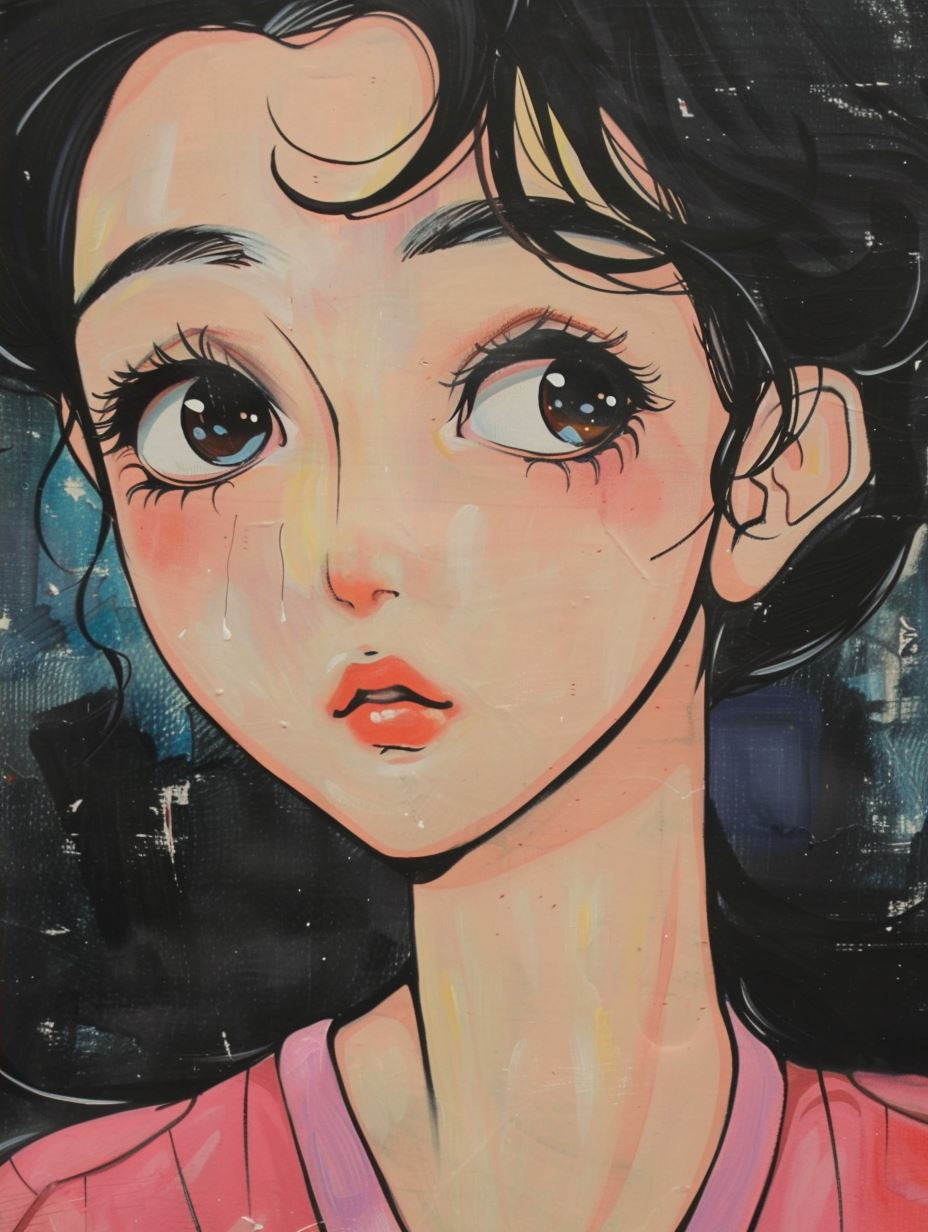
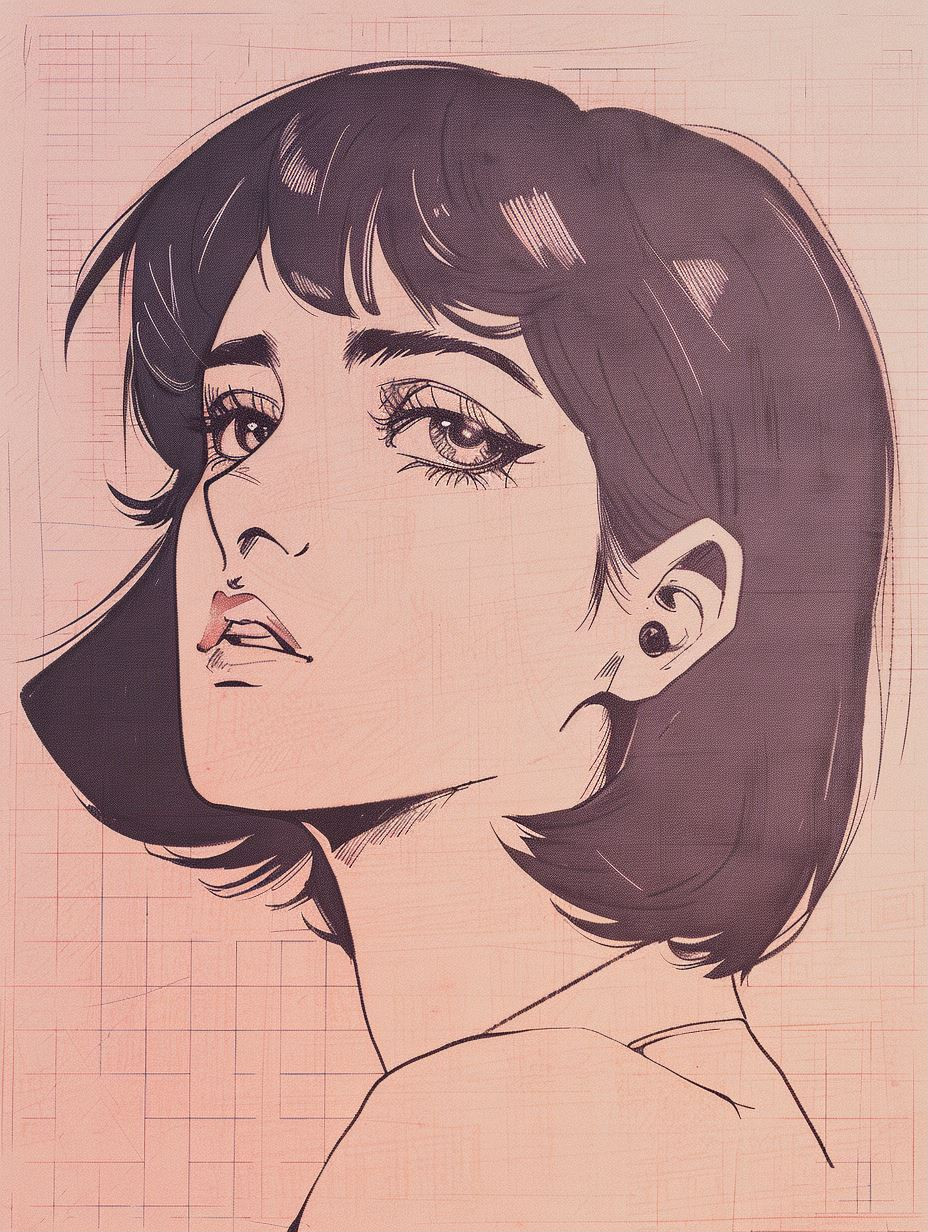
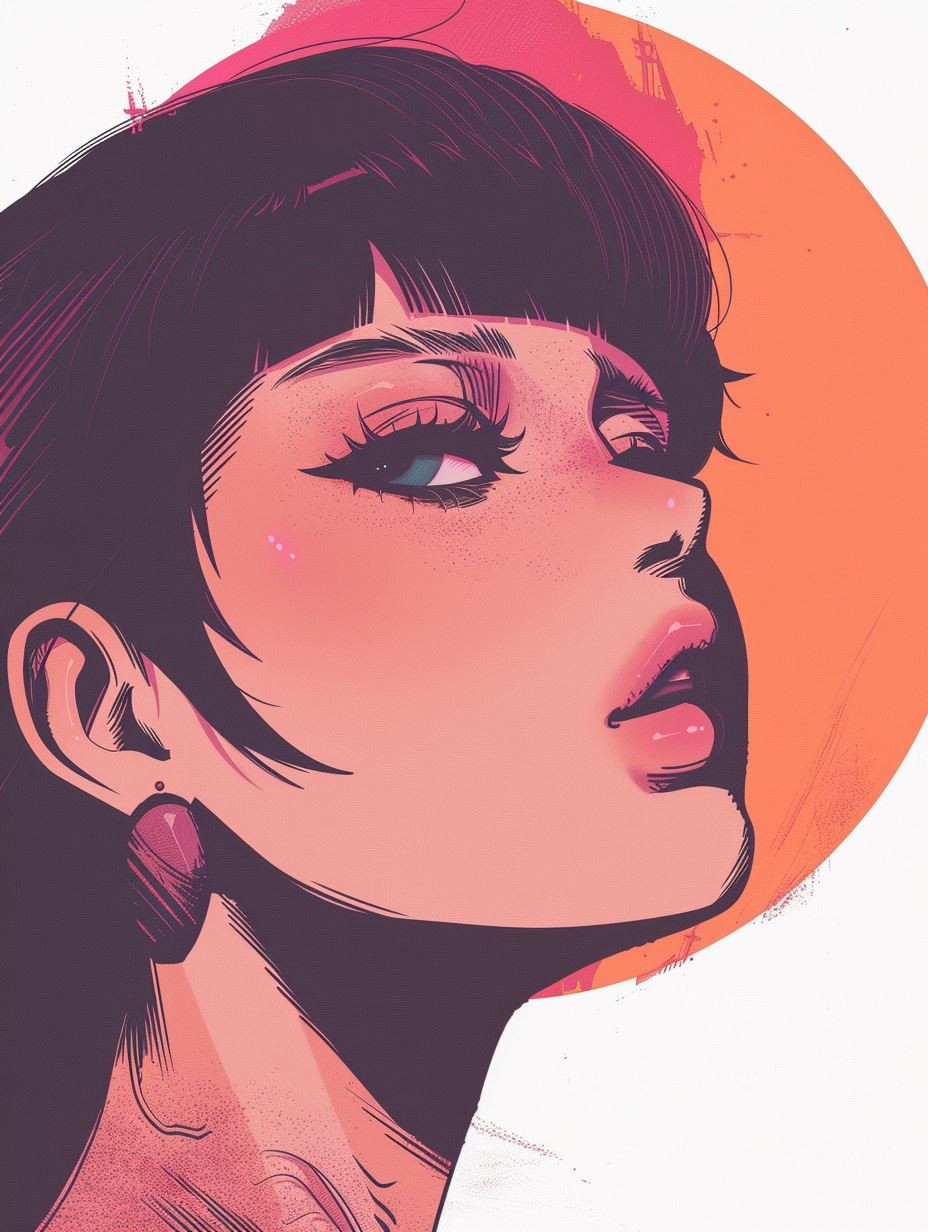
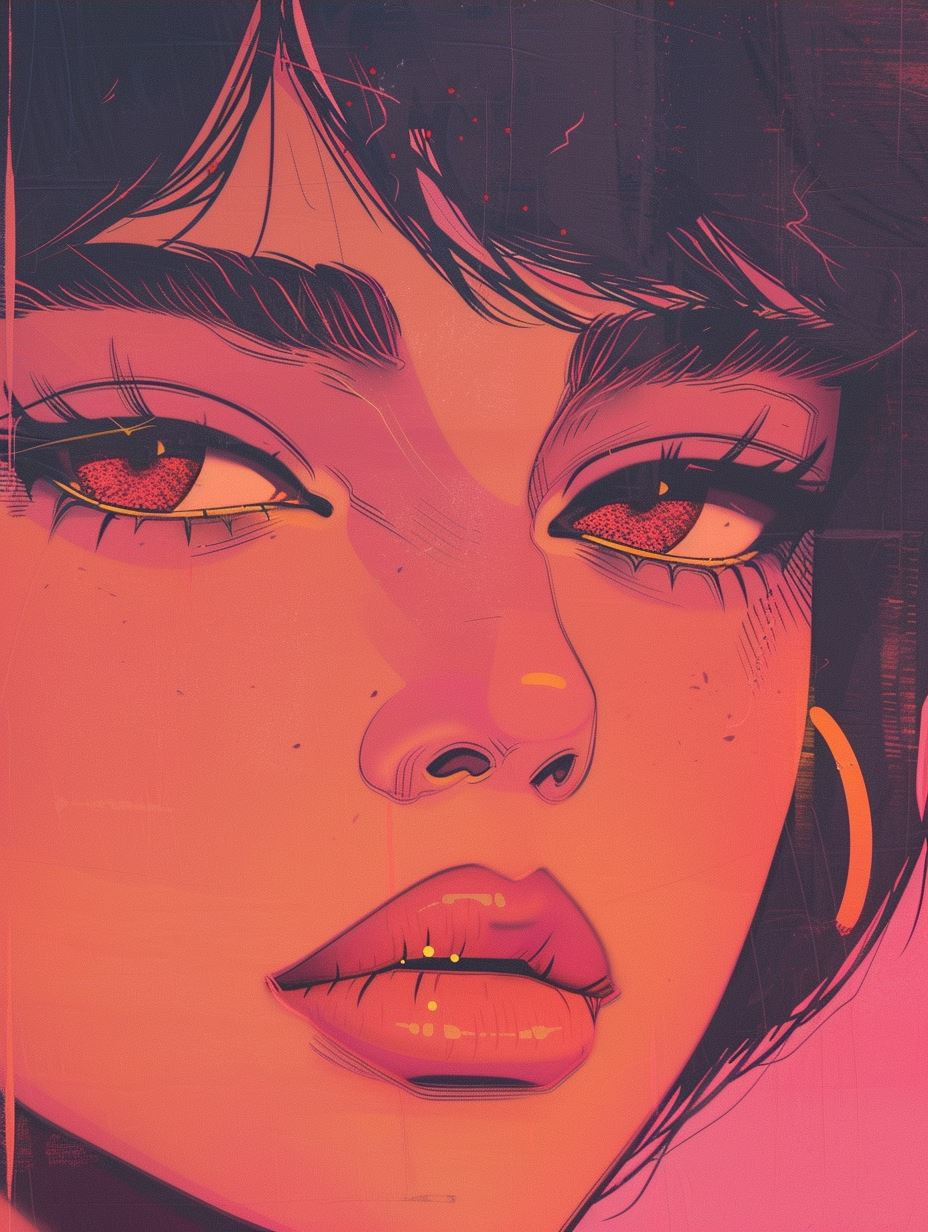
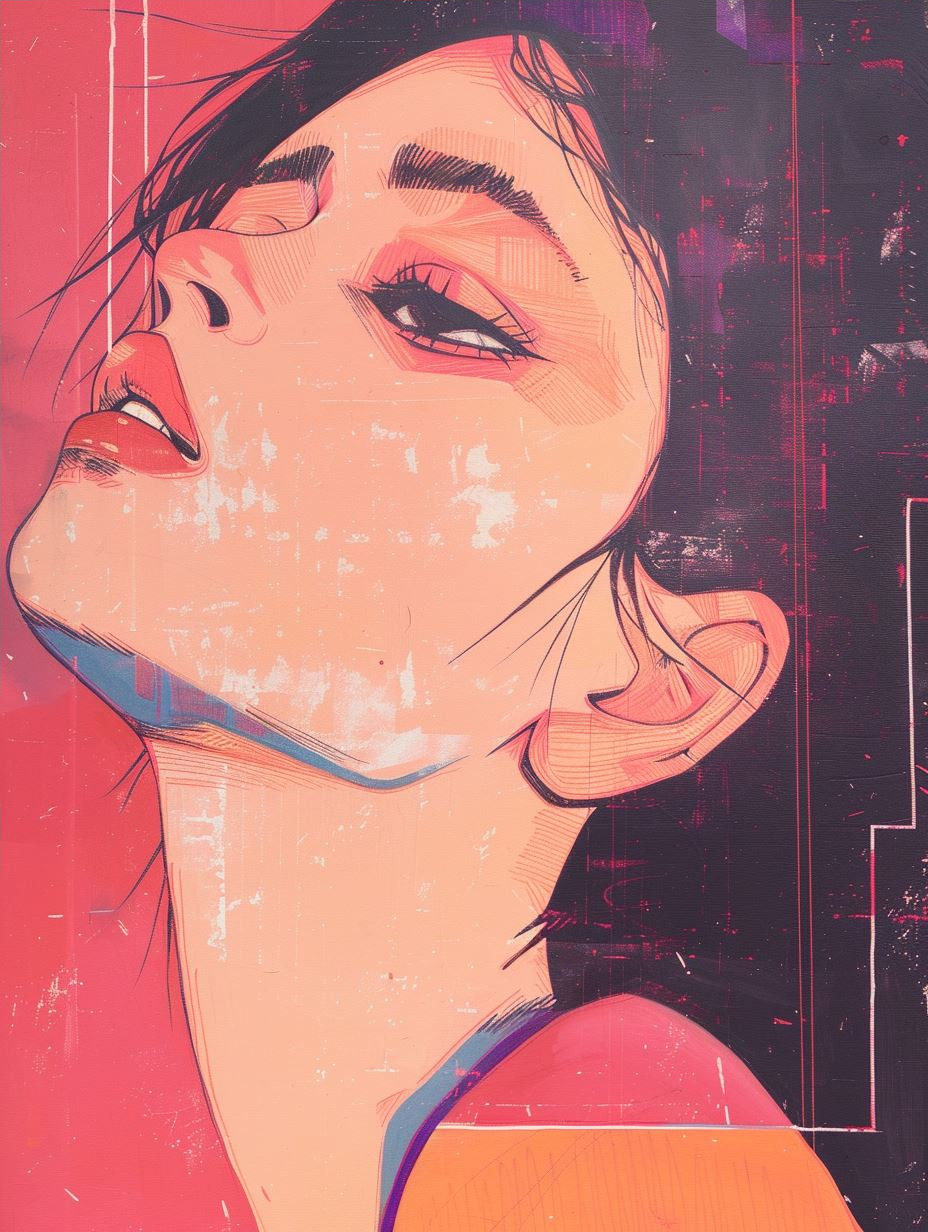
How to Use SREF Codes
Using SREF codes is simple. Just add the --sref parameter followed by the code number to your Midjourney prompt:
/imagine prompt: a beautiful landscape --sref 2213253170
Basic Syntax
--sref CODE_NUMBER
You can also combine multiple SREF codes to blend styles:
/imagine prompt: portrait of a warrior --sref 91506085 4059834270
Style Weight (--sw)
Control how strongly the SREF style is applied with the --sw (Style Weight) parameter. Values range from 0 to 1000.
| Value | Effect |
|---|---|
--sw 0 | Minimal style influence, mostly prompt-based result |
--sw 50 | Subtle style application (good for blending) |
--sw 100 (default) | Balanced style influence |
--sw 500 | Strong style dominance |
--sw 1000 | Maximum style intensity |
/imagine prompt: futuristic city --sref 2213253170 --sw 750
Style Version (--sv)
The --sv (Style Version) parameter selects which algorithm version Midjourney uses to interpret the style reference. Required for most modern SREF codes.
--sv 1  # Original style algorithm
--sv 2  # Improved style matching
--sv 3  # Latest algorithm (recommended)
/imagine prompt: portrait --sref 91506085 --sv 3 --sw 200
Character Reference (--cref)
Want to keep the same character across multiple images? Use --cref with an image URL:
/imagine prompt: character walking in the park --cref URL_OF_CHARACTER_IMAGE --cw 100
Use --cw (Character Weight) to control how much of the character is preserved:
--cw 0— Face only--cw 50— Face + some features--cw 100(default) — Full character including clothing
Tips & Best Practices
Experiment with Weights
Start with --sw 100 and adjust up or down. Every SREF responds differently.
Combine Styles
Use multiple SREF codes separated by spaces to create unique blended styles.
Use Image Prompts
Upload your own image as a style reference with --sref URL instead of a code.
Match Aspect Ratios
Some styles work better at specific ratios. Test --ar 16:9 vs --ar 1:1.
Save Your Favorites
Create collections on GuideSref to organize and quickly access your preferred SREF codes.
Use --style raw
Add --style raw for less Midjourney "beautification" and more authentic style transfer.
Quick Command Reference
| Command | Description | Range |
|---|---|---|
--sref CODE | Apply style reference | Any number or URL |
--sw N | Style weight | 0-1000 (default: 100) |
--sv N | Style version algorithm | 1, 2, or 3 |
--cref URL | Character reference | Image URL |
--cw N | Character weight | 0-100 (default: 100) |
--iw N | Image prompt weight | 0-3 (default: 1) |
--ar RATIO | Aspect ratio | 1:1, 16:9, 9:16, etc. |
--no ITEM | Negative prompt | Any text |
--seed N | Random seed for reproducibility | 0-4294967295 |
--q N | Quality/ rendering time | .25, .5, or 1 |
Ready to explore?
Browse thousands of curated SREF codes in our library.
Explore SREF Library View Cheat Sheet